On a Fire TV, first search the Amazon Appstore for SOPlayer. If it's listed for your region, install it there. If it isn't, don't use an APK mirror. Install only from a source the developer publishes, and only on Fire TV models that run Fire OS. Then sign in with your Provider ID and username and password, or PIN.
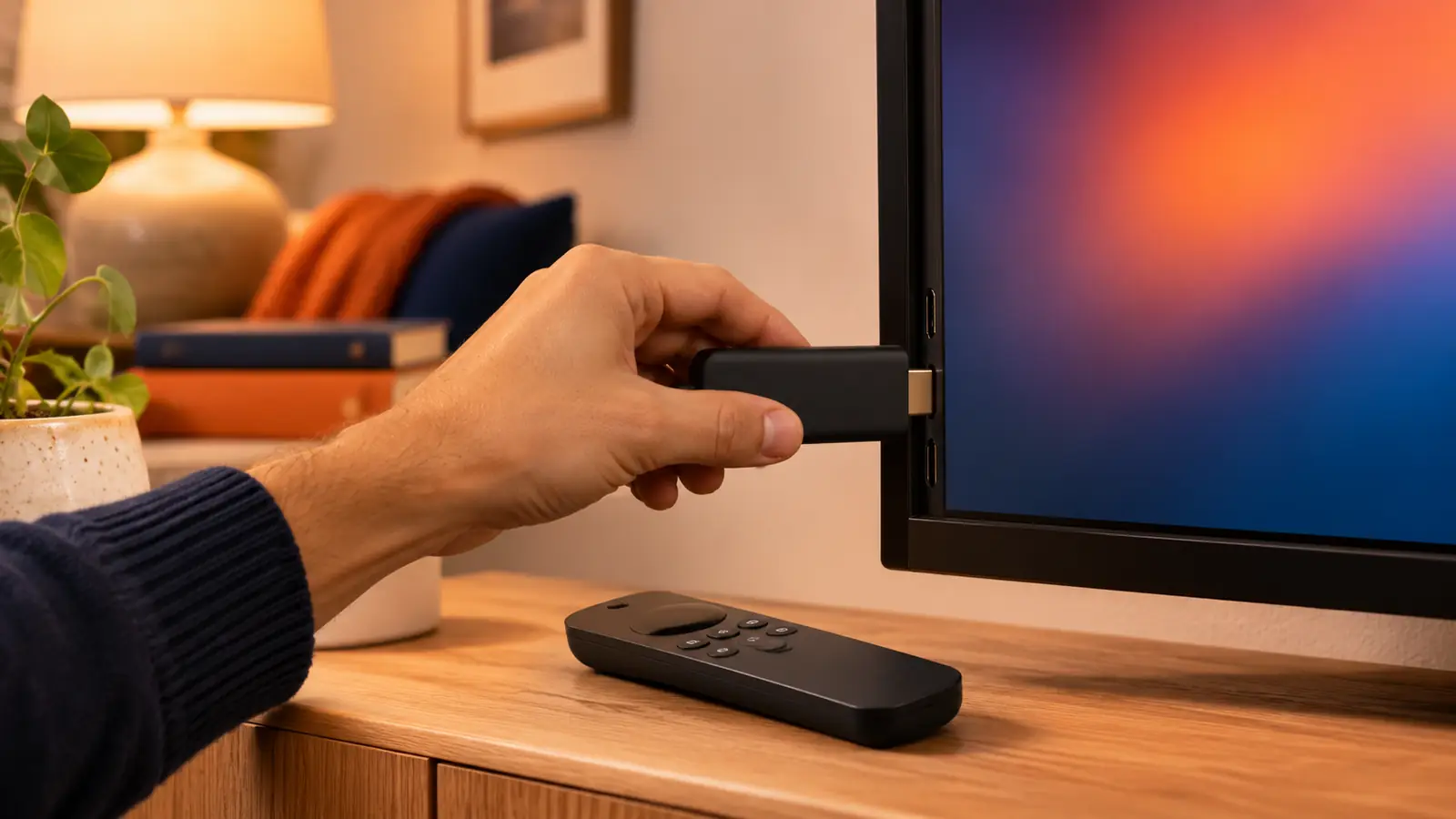
Step 1: Check your Fire TV model
Go to Settings → My Fire TV → About. Fire OS devices, which most Fire TV Sticks and Cubes run, are Android-based. Models on Amazon's newer Vega OS can only install apps from the Appstore.
Step 2: Look for SOPlayer in the Appstore
- On the home screen, open Find (the magnifying glass).
- Type SOPlayer, or hold the voice button and say it.
- If the app appears under Apps & Games, select it, choose Get, and skip to Step 4.
Step 3: If it isn't in the Appstore
Fire OS can install apps from outside the Appstore, but that removes Amazon's store checks. Only do it with a file from the developer's own source:
- Install Downloader (by AFTVnews) from the Appstore.
- Go to Settings → My Fire TV → About, highlight your device name and press Select seven times to turn on developer options.
- Press Back, open Developer Options → Install Unknown Apps, and turn it on for Downloader only.
- In Downloader, enter the official address for the SOPlayer app. We don't publish shortcodes, because we can't guarantee where they point.
- After installing, turn Install Unknown Apps off again for Downloader.
Ask us before you install. Menu names can differ slightly between Fire OS versions; older versions call the setting “Apps from Unknown Sources”.
Step 4: Sign in
- Open SOPlayer from Your Apps & Channels. Holding the Home button and choosing Apps also works.
- Choose username and password, or PIN, to match the details you received.
- Enter the Provider ID and your details exactly. Login help.
Tip: to make SOPlayer easier to find, highlight it in Your Apps, press the menu button (three lines) and choose Move to front.
Firestick tips for smoother playback
- Use 5 GHz Wi-Fi, or Amazon's Ethernet adapter if your router is close.
- Restart the Fire TV now and then from Settings → My Fire TV → Restart.
- If the device runs low on storage, remove apps you don't use.
Firestick questions
SOPlayer isn't in the Amazon Appstore. What now?
Store listings vary by country and change over time. Don't install a copy from an APK mirror. If you're our customer, message us and we'll tell you the current official source for Fire TV, or suggest another device that's easier to set up.
Does SOPlayer work on every Fire TV?
Fire TV devices running Fire OS are Android-based. Some newer models run Amazon's Vega OS, which can't install Android apps from outside the Appstore. Check Settings > My Fire TV > About to see your model and software.
The Firestick says “App not installed” or the package conflicts. Why?
Usually an older copy of the app is already on the device. Uninstall the existing SOPlayer from Settings > Applications > Manage Installed Applications, restart the Fire TV, then install again from the official source.